Noise Removal#

Widget to reduce the noise from a dataset raw data given a set of dark frames.
Signals#
Outputs:
Dataset: output dataset
Tutorial#
After selecting your dataset and dimensions, let’s remove noise in the detector frame’s stack.
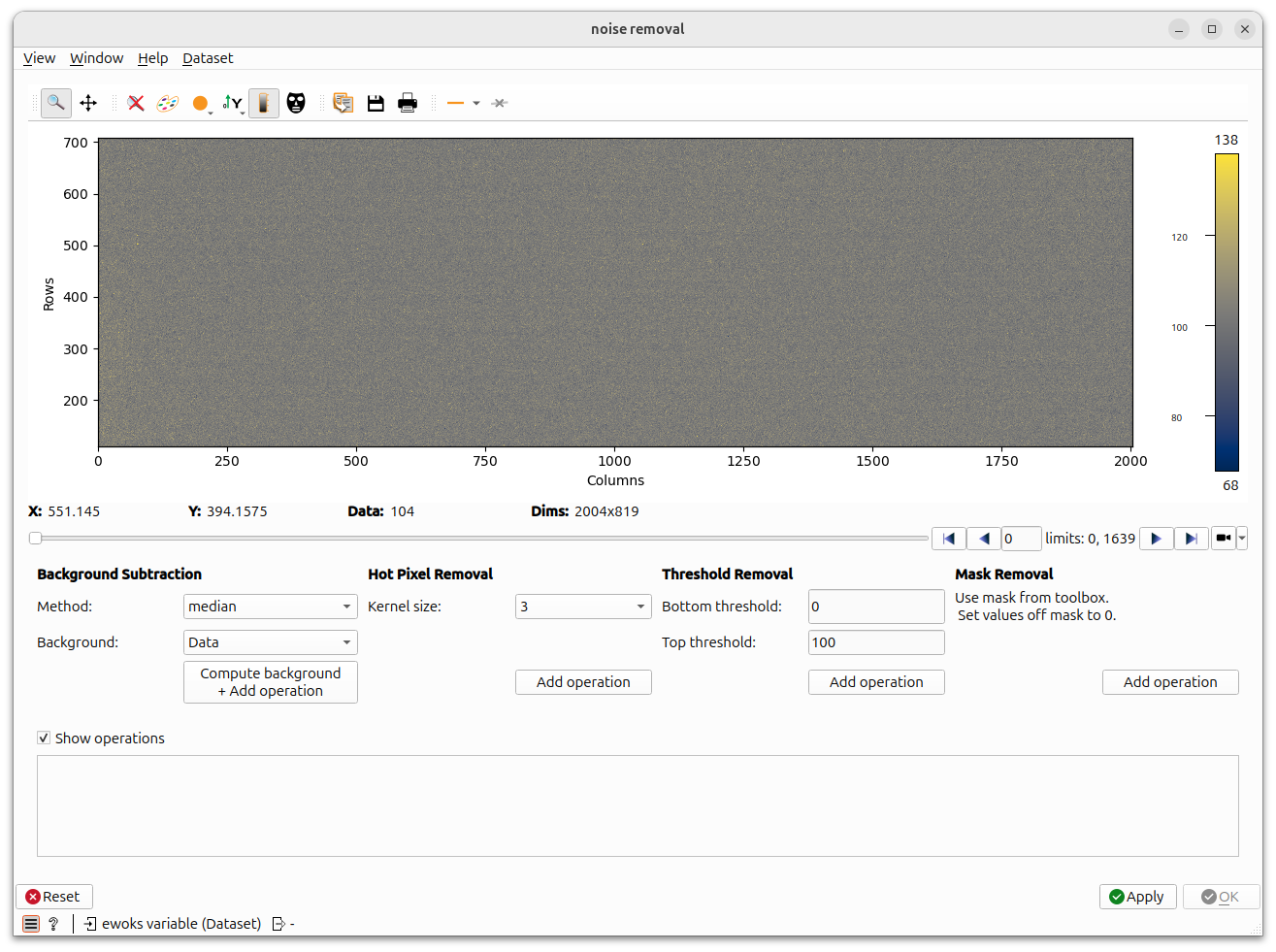
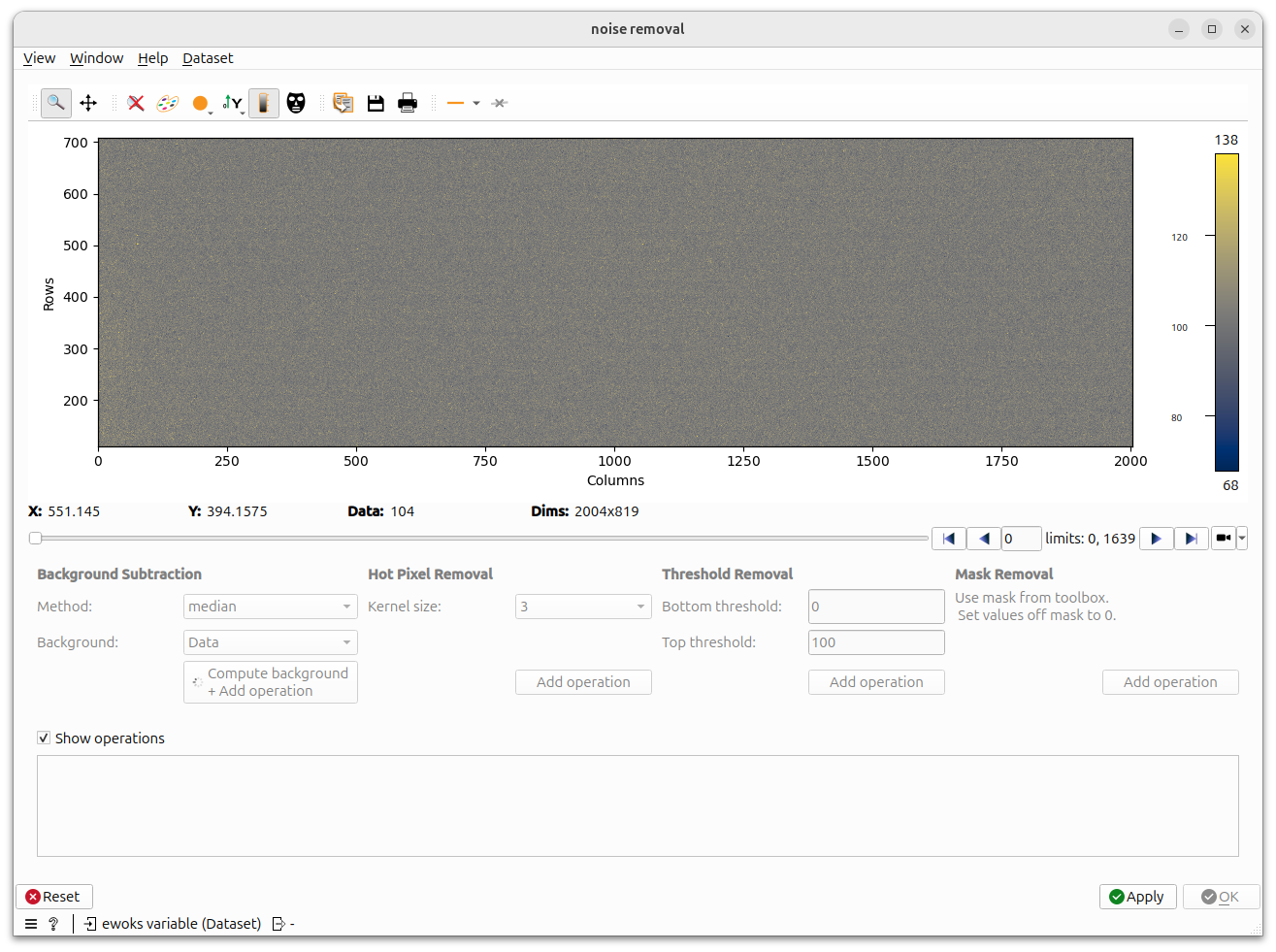
during background removal operation the widget controls are disabled.
Note
This operation requires to compute mean pixel values for each pixel position. It might take a bit of time.
When controls are available you can slide on the stack. The noise removal operations are done ‘on the fly’ for the frame displayed.
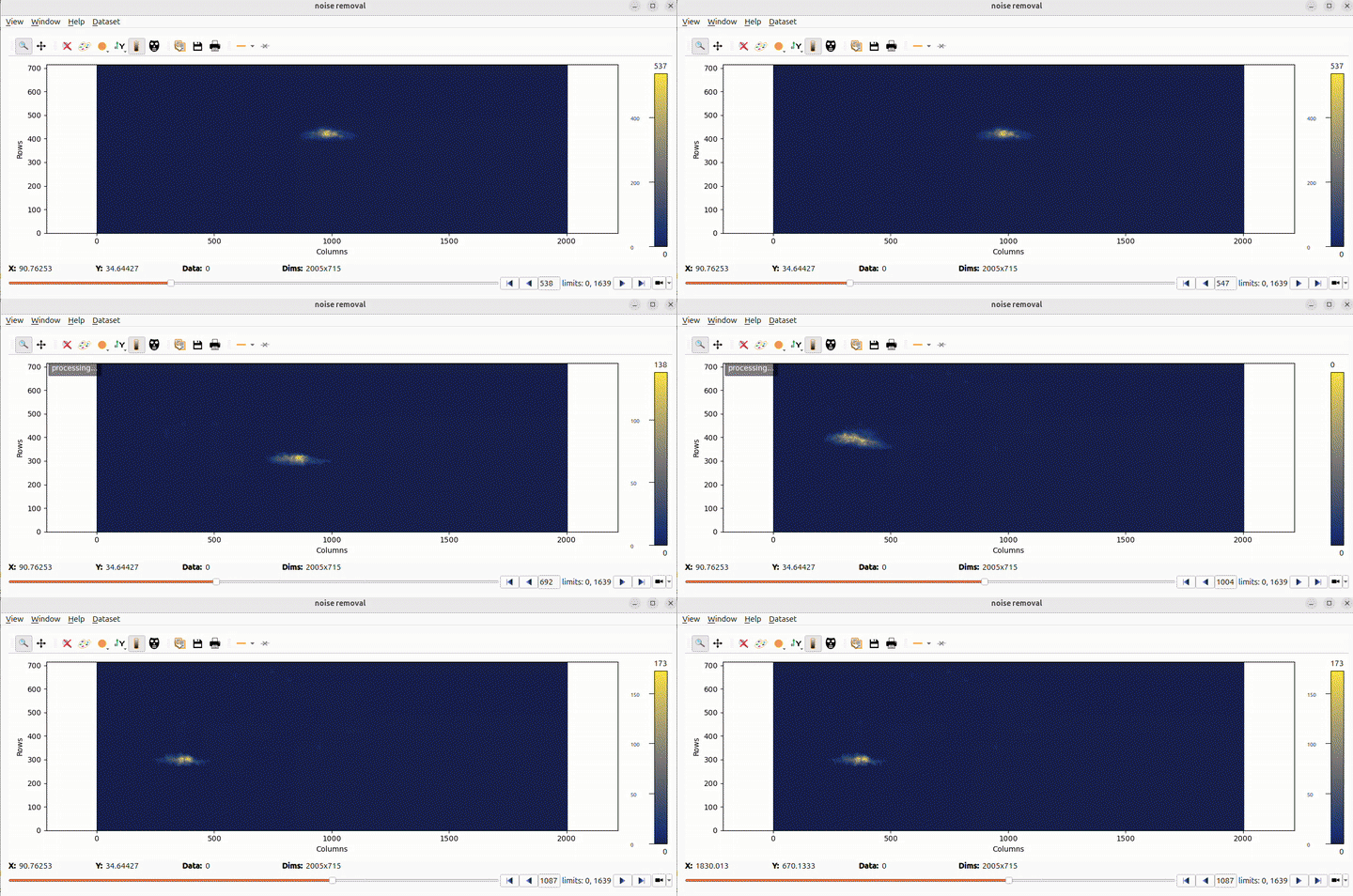
We apply a threshold on the pixel value. If this value is exceeded the pixel will be masked.
Hint
You can use tool like the Colormap tool to find the appropriate threshold.
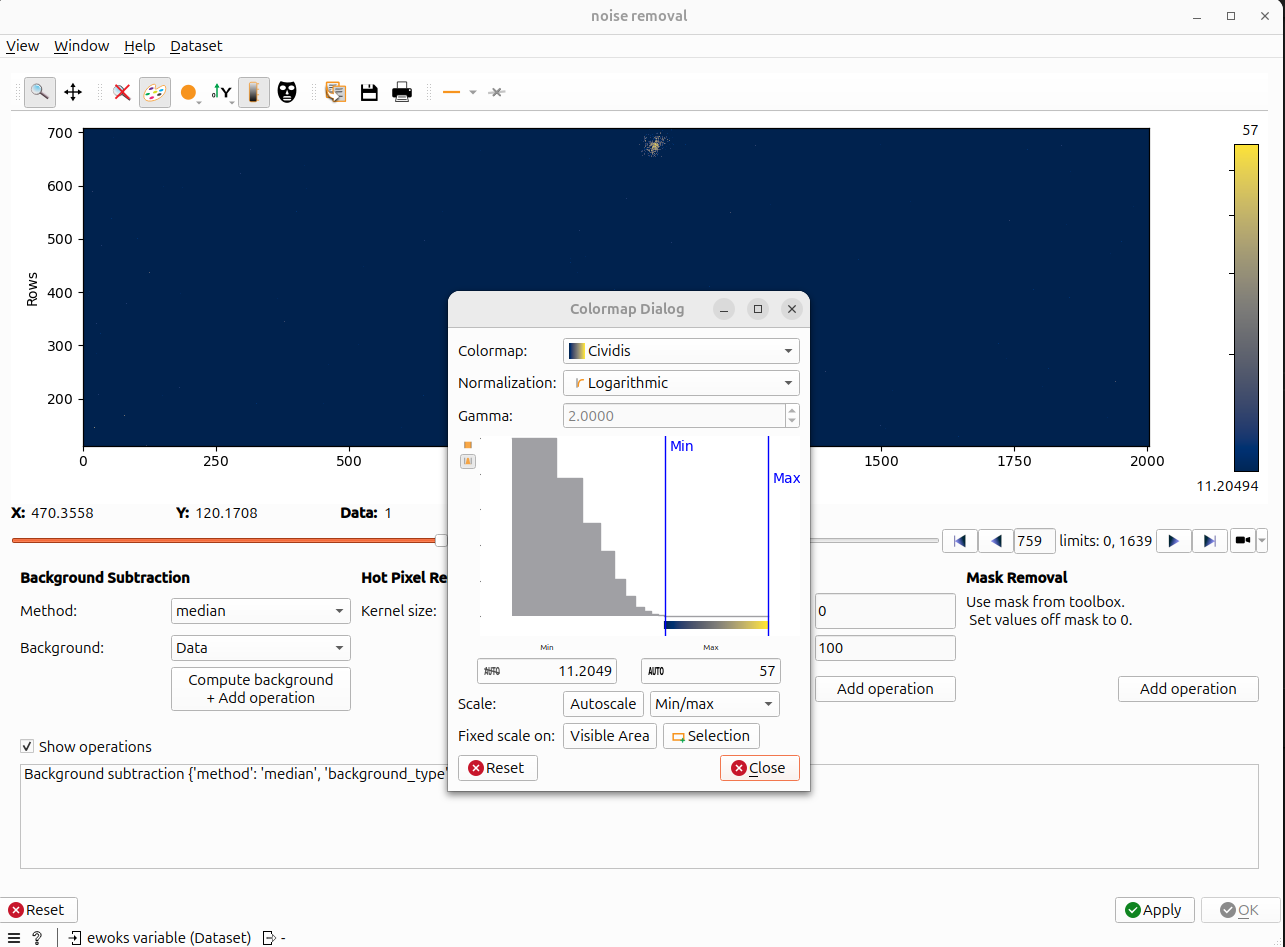
Nooo, we made a mistake and set a very low max threshold and we loose a big part of the signal !
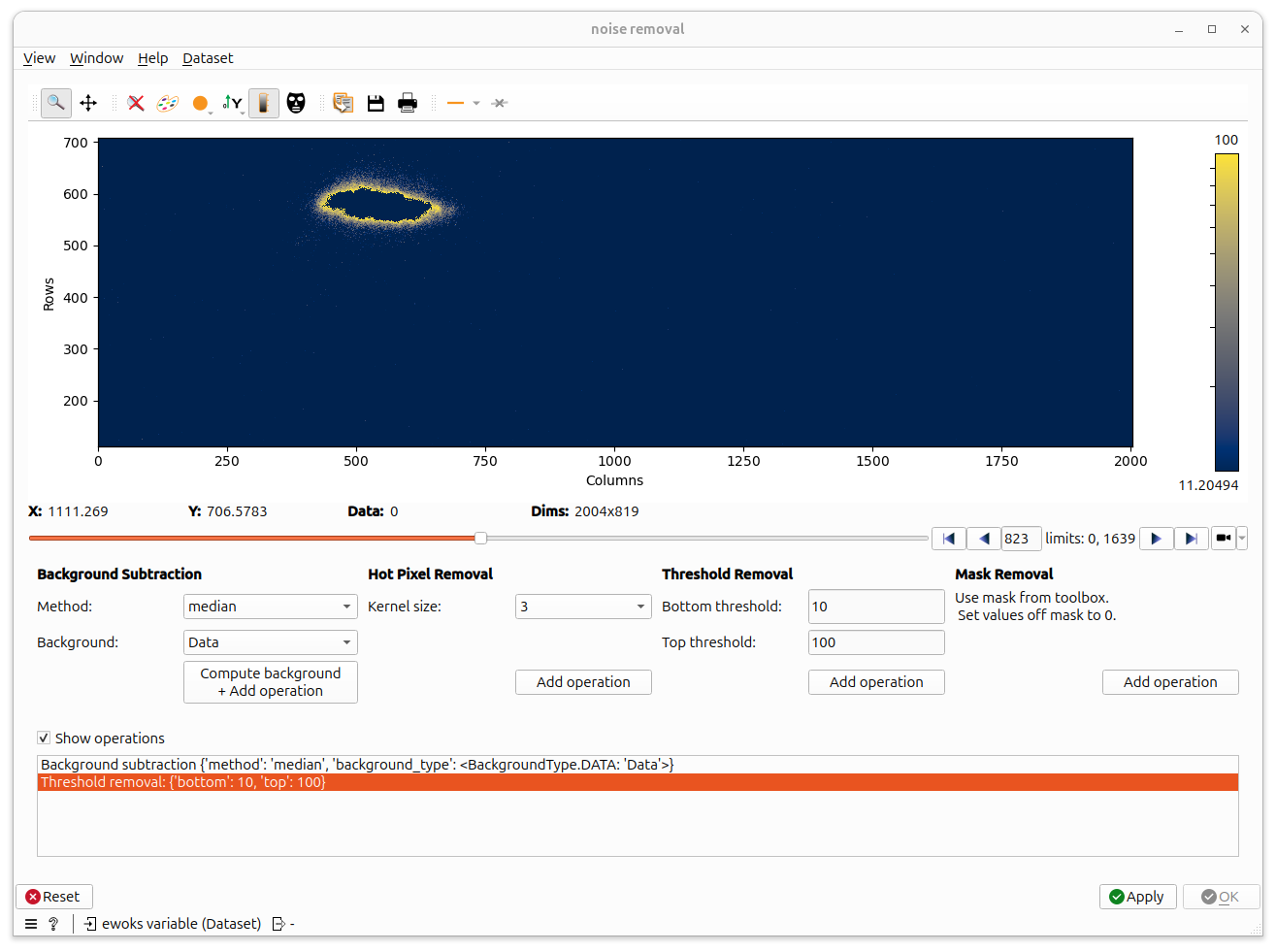
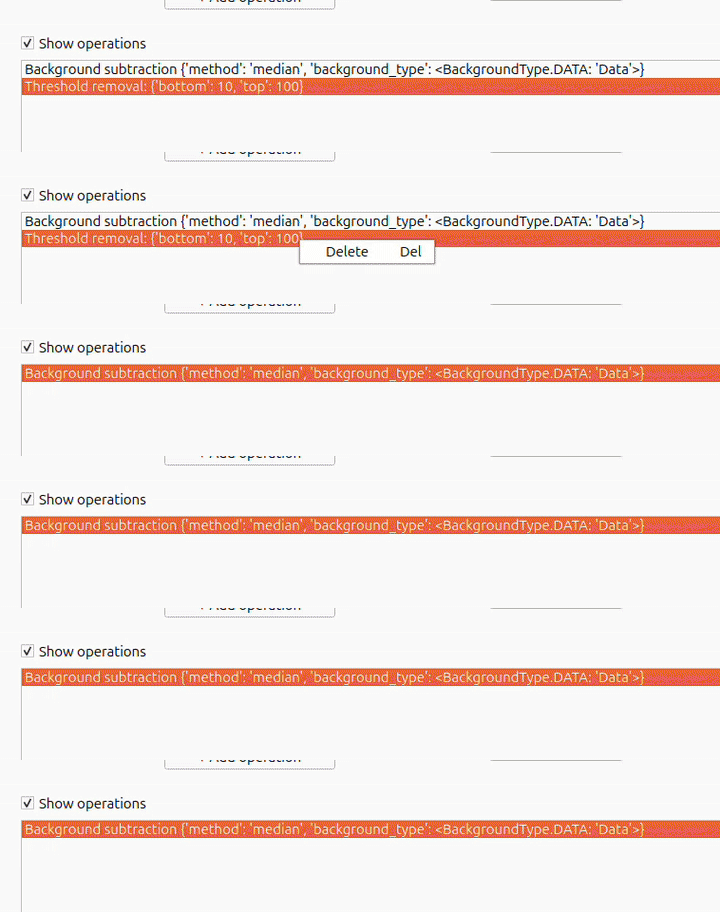
Do not panic ! Just delete this operation !
We are super happy with our clean dataset now, so we click on Apply and wait a bit because now operations are really applied on the dataset. The dataset is copied then a progress bar should appear in the terminal (Can take a moment with heavy dataset).

When operations are applied, all operations are disabled but we can still browse (corrected) frames. If something is wrong, we can click Reset, if everything is fine, we can click OK.
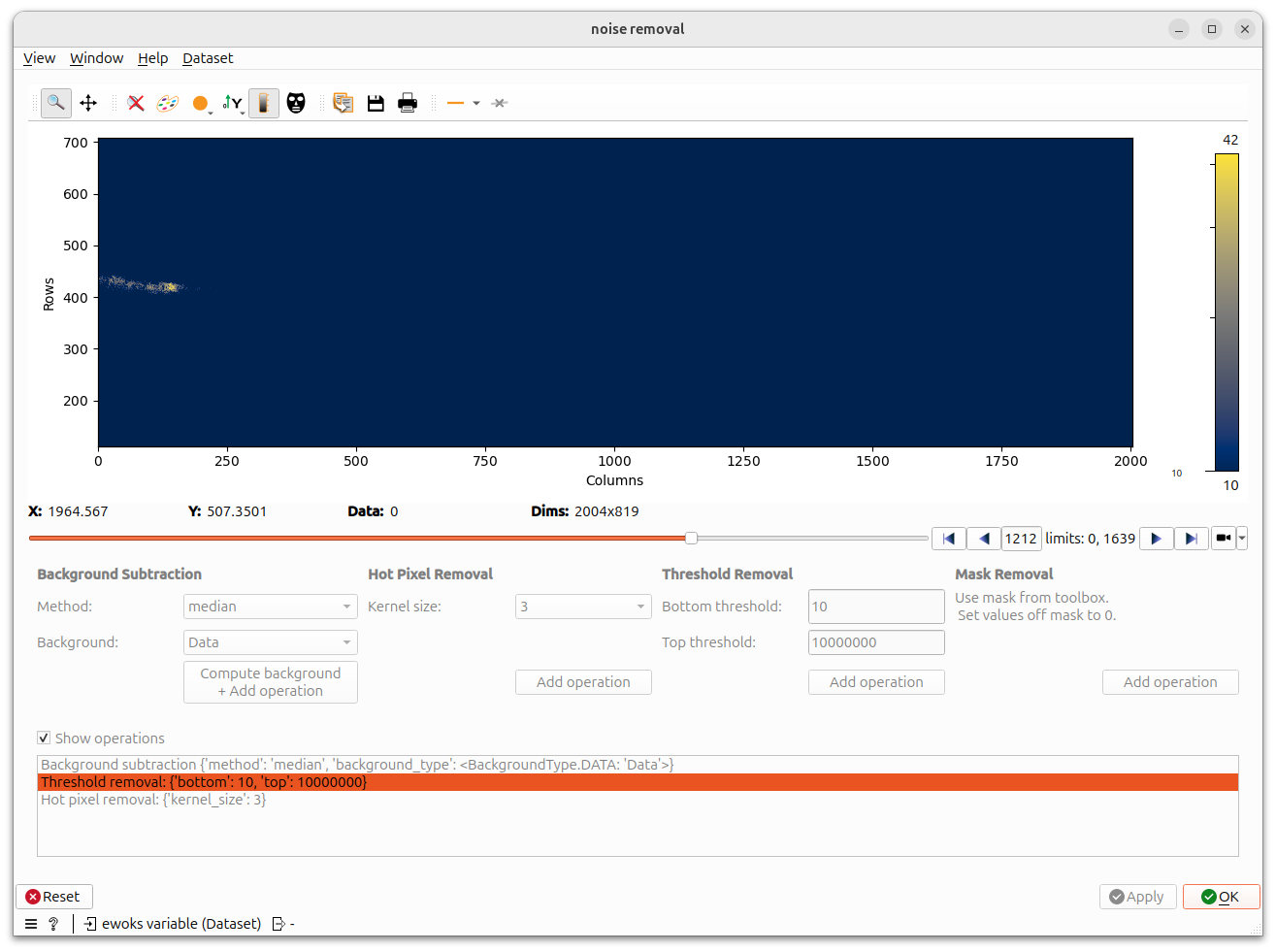
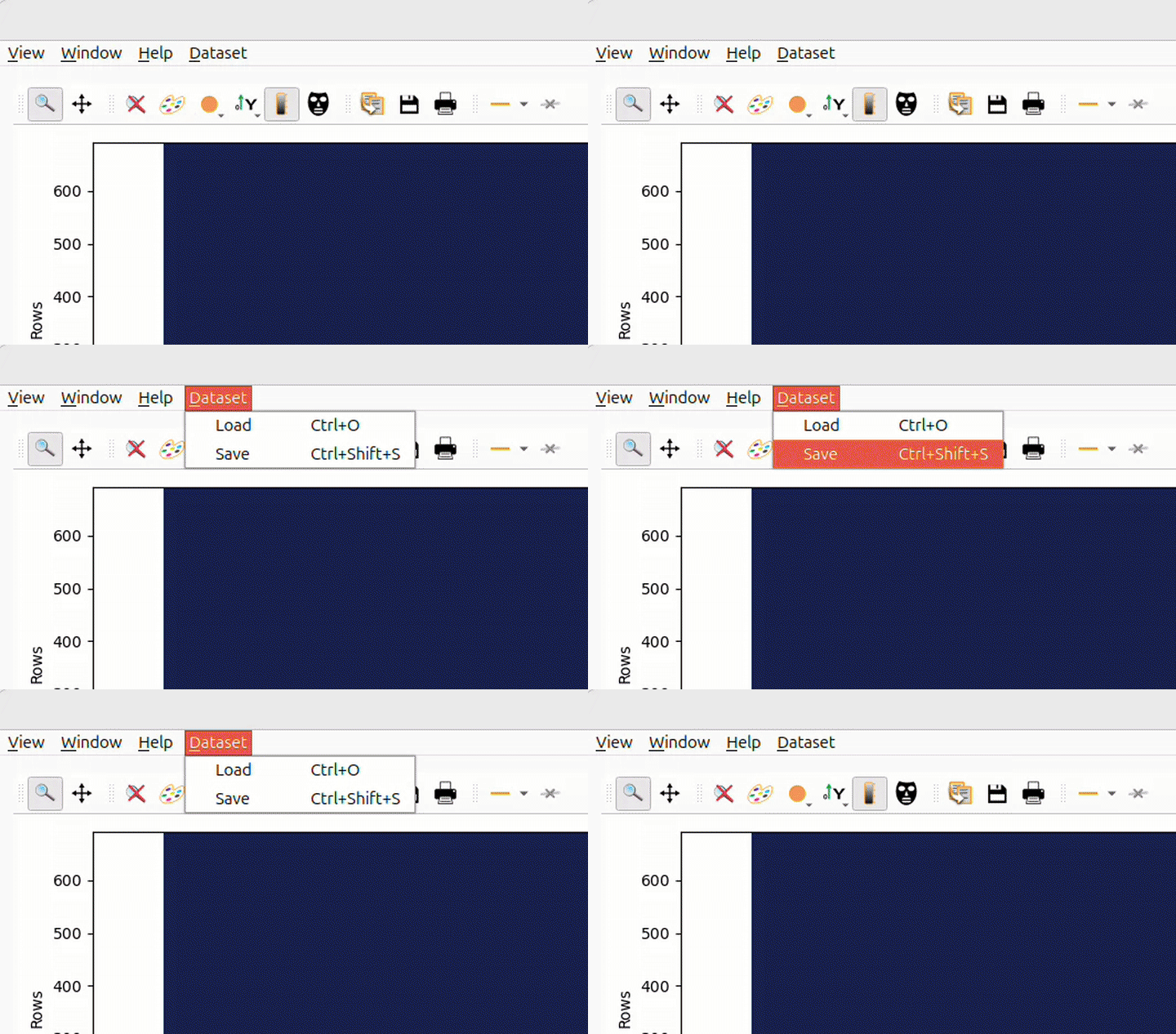
Note you can now save the state of your dataset and reload it in a next darfix session !
Tip
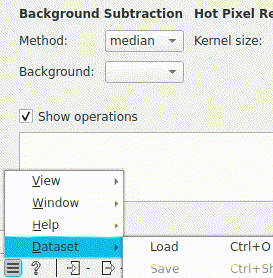
Depending of Orange version, the layout may be different (In ESRF cluster for instance) and the menu can be in the bottom left corner.